UP Board Class 12th Marksheet: Download UP Board Class 10 Original Marksheet PDF Here
Table of Contents
- UP Board Class 12th Marksheet Highlights
- UP Board Class 12th Marksheet Dates
- Where to Check UP Board Class 12th Marksheet
- How to Download UP Board Class 12th Marksheet Online
- How to Download UP Board Class 12th Marksheet Online via Result Website
- How to Download UP Board Class 12th Marksheet via SMS
- How to Download UP Board Class 12th Marksheet via Digilocker
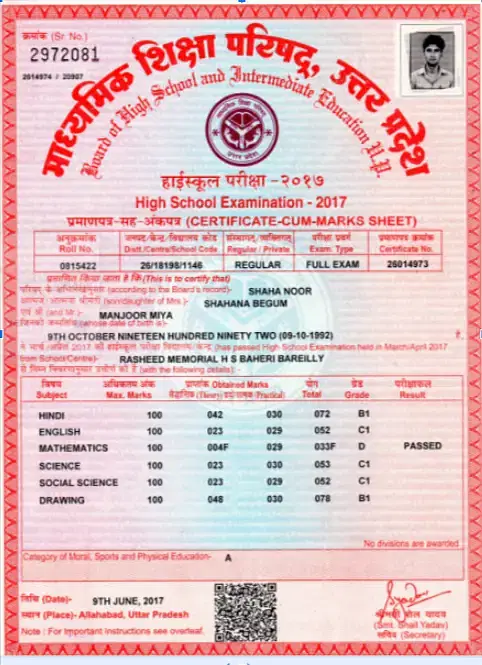
- Details Mentioned on UP Board Class 12th Marksheet
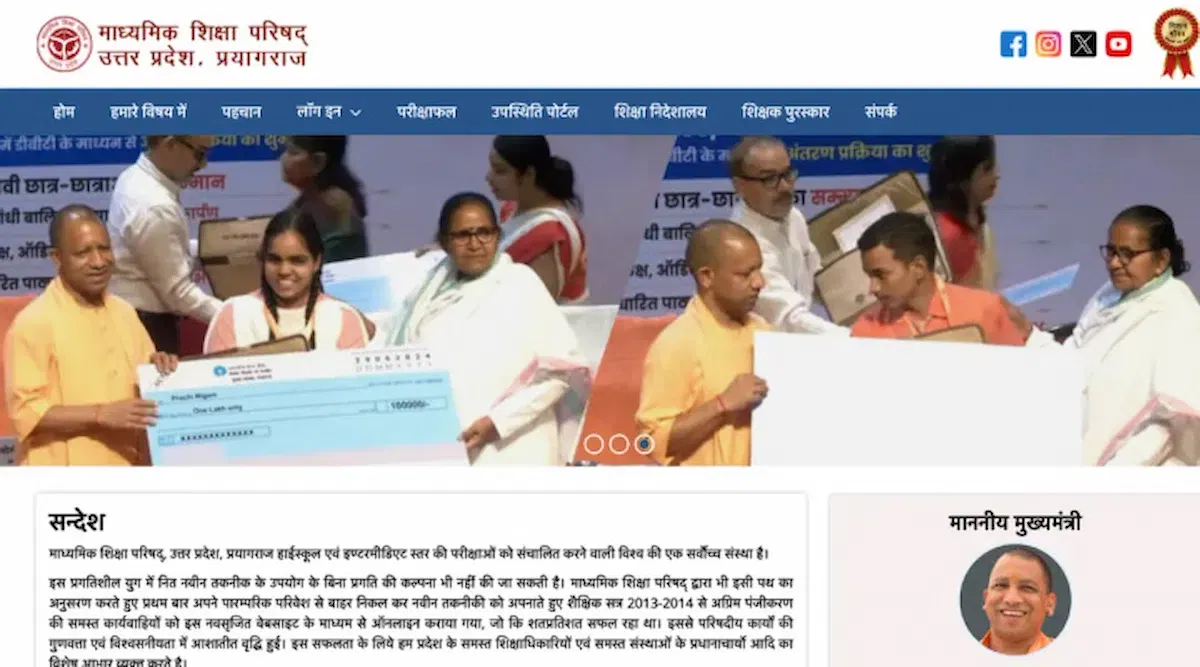
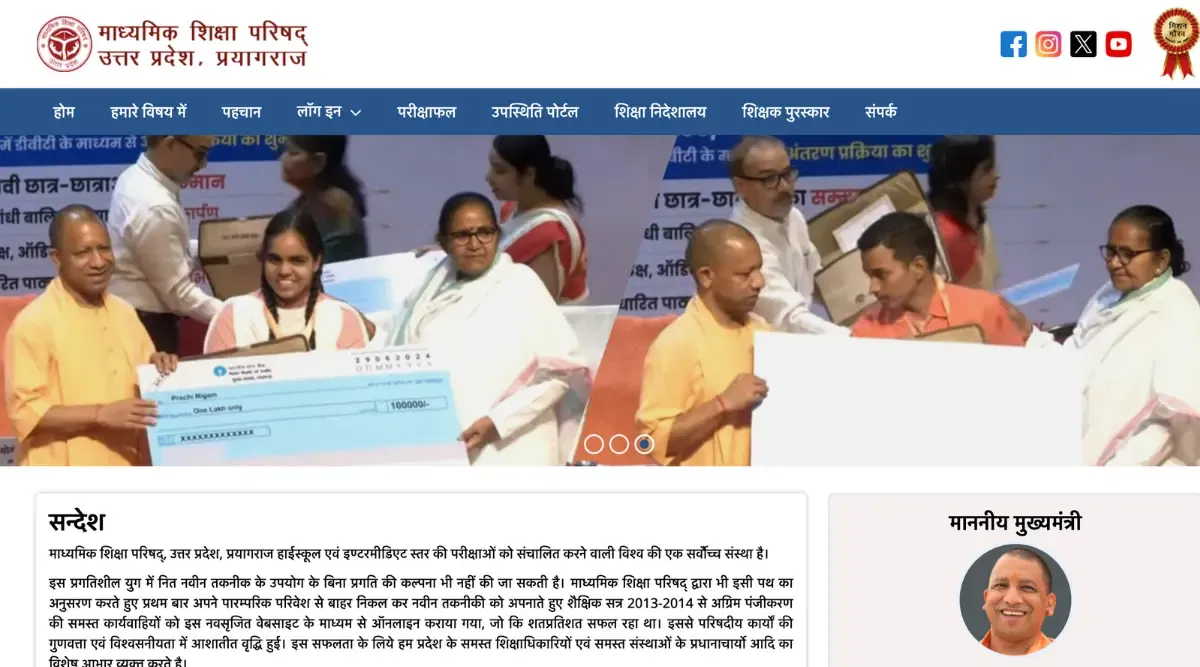
The Uttar Pradesh Madhyamik Shiksha Parishad (UPMSP) will issue the UP Board class 12th marksheet on the official website at upmsp.edu.in. The digital copy of the marksheet will be available within 15-30 days after the results are declared. Students will also be able to collect their physical marksheet of the UP Board class 12 exam from their respective schools shortly, as the results have already been declared.
Meanwhile, students can download their digitally signed marksheet from the DigiLocker mobile application or website, which is equally effective as the physical marksheet. It is important to check the official website for the latest updates and dates regarding the UP Board class 12th marksheet.
Continue reading this article to explore the various steps involved in downloading your marksheet.
| UP Board Class 12 Result | UP Board Class 12 Marking Scheme |
UP Board Class 12th Marksheet Highlights
Before moving any further, let's look at all the important highlights related to the UP Board class 12th marksheet.
| Particulars | Details |
| State | Uttar Pradesh |
| Board | Uttar Pradesh Madhyamik Shiksha Parishad (UPMSP) |
| Official website | upmsp.edu.in |
| Details Mentioned |
|
| Marksheet Release Date | April 2026 (tentatively) |
| Digital Copy | Students can download a digital copy from the following websites
|
Read More: UP Board Class 12 Supplementary Exam
UP Board Class 12th Marksheet Dates
The table below contains all the important dates related to the UP Board class 12th marksheet:
| Particulars | Details |
| Examination | February to March 2026 (tentative) |
| Result | April or May 2026 (tentative) |
| Digital Marksheet | April or May 2026 (tentative) |
| Physical Marksheet | April or May 2026 (tentative) |
Read More: UP Board Class 12 Toppers
Where to Check UP Board Class 12th Marksheet
Here is the list of all the websites and apps to check the UP 12th marksheet:
- upmsp.edu.in
- upresults.nic.in
- digilocker.gov.in
- results.gov.in
- Digilocker mobile application
How to Download UP Board Class 12th Marksheet Online
As you can download the UP 12th Board marksheet online, here is a step-wise guide for the same:
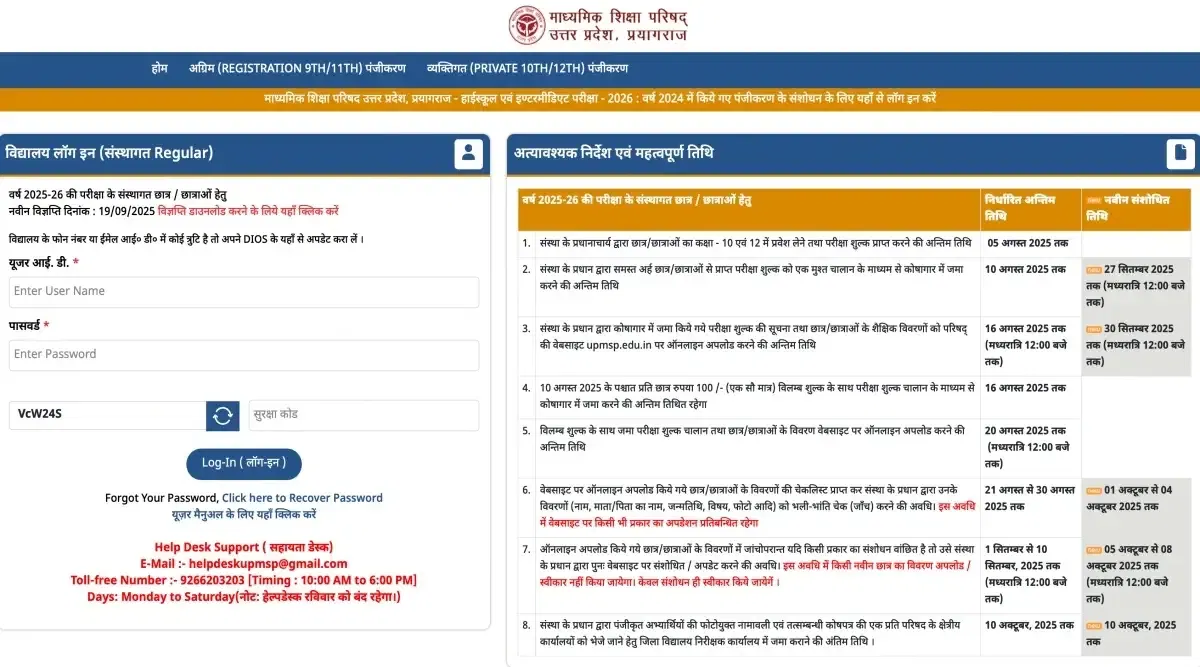
- Step 1: Visit the official website at upmsp.edu.in
- Step 2: Find the 'UP 12th board Results' section on the homepage
- Step 3: Click on the link for class 12th results 2025-26.
- Step 4: Enter your roll number and other required details like date of birth or year of birth.
- Step 5: Submit the form to view your marksheet.
- Step 6: You can download and print the marksheet for your records.
How to Download UP Board Class 12th Marksheet Online via Result Website
Here is the detailed process to download the marksheet through the Uttar Pradesh board results website.
- Step 1: Visit the official website at upmsp.edu.in
- Step 2: Look for the link for UP board intermediate Class 12th results.
- Step 3: Click on the link, which will redirect you to a results page.
- Step 4: Enter your roll number and any additional required information like date of birth.
- Step 5: Click "Submit" to access your marksheet.
- Step 6: Download and save the marksheet as needed.
How to Download UP Board Class 12th Marksheet via SMS
The downloading process of the UP board class 12th marksheet through SMS is given below.
- Step 1: Compose a New SMS: Open your messaging app and draft a new message.
- Step 2: Send the SMS: Send the message to the number (56263) in a specific format provided by UPMSP for results.
- Step 3: You will receive an SMS containing your marks and a link to download your marksheet.
- Step 4: Click on the link provided in the SMS to download or view your marksheet.
How to Download UP Board Class 12th Marksheet via Digilocker
Here is the detailed process to download the marksheet through digilocker.
- Step 1: Visit digilocker.gov.in.
- Step 2: Log in to your existing DigiLocker account. If you don't have an account, you'll need to sign up using your aadhar registered mobile number.
- Step 3: Once logged in, go to the "Issued Documents" section.
- Step 4: Search for the UP board Class 12th marksheet. It may be listed under the “educational documents”.
- Step 5: Click to view or download the marksheet.
- Step 6: You can also share or print the document directly from DigiLocker.
Details Mentioned on UP Board Class 12th Marksheet
Here are the details mentioned on the official UP Board Class 12th marksheet.
- Name of the Student: Full name as registered with the board.
- Roll Number: Unique identification number for the student.
- School Name: The name of the school the student attended.
- Board Name: Name of the educational board.
- Year of Passing: The academic year in which the student completed Class 12.
- Subject Names: List of subjects the student appeared for.
- Marks Obtained: Marks scored in each subject, usually divided into theory, practicals, and internal assessment where applicable.
- Total Marks: Sum of marks obtained across all subjects.
- Grade: Sometimes, the marks are also represented by grades.
- Division/Percentage: Overall percentage and/or division based on total marks.
- Result Status: Whether the student has passed or failed.
- Signature of Authorities: Signatures of the respective board authorities.
- Date of Issue: The date on which the marksheet was issued.
UP Board Class 12th Marksheet Sample
The following is a sample of the UP board class 12th marksheet from previous year.
Explore Top Colleges In Uttar Pradesh VIEW ALL








Entrance Exams after 12th Boards