
Table of Contents
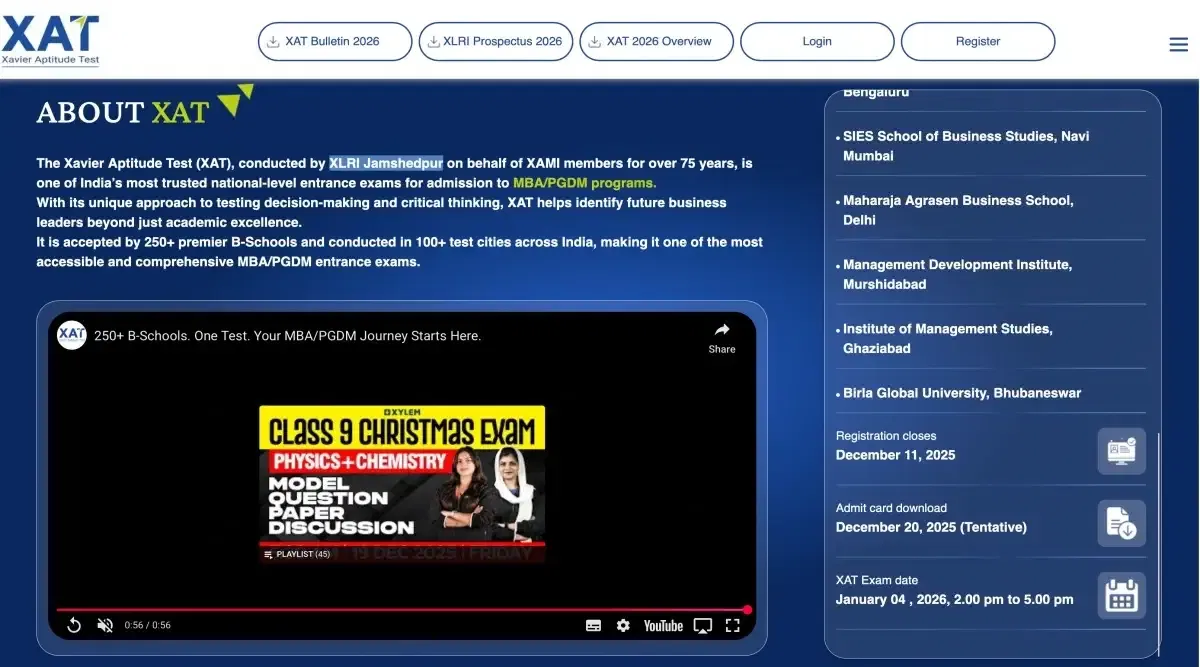
XAT login 2026 is essential for candidates to register and apply for the exam. Candidates could create their XAT login for 2026 from the official website xatonline.in until the form was being filled. Candidates can use their XAT registration login to fill out the application form and access other exam-related features. Candidates will be able to create their XAT 2026 login ID till Dec 2026.
Check This: XAT 2026 Result Download Link Activated
How to Create XAT Login?
Candidates must create an XAT login profile for 2026 to fill out the application form. Candidates can create a XAT registration login from the official website at xatonline.in.
The XAT exam login steps are provided below for the candidates.
- Step 1: Every candidate must visit the official website to create their XAT login.
- Step 2: Candidates must click on the ‘login’ situated in the top right corner to get to the access window of the XAT login ID.
- Step 3: Candidates must click on ‘New Registration’.
- Step 4: Enter the details required under the new registration.
- Step 5: After filling in all the details click ‘submit’.
- Step 6: Candidates must enter the OTP sent to their mobile/email for verification.
- Step 7: The candidates are advised to store the credentials entered for further purposes.
XAT Login for Result
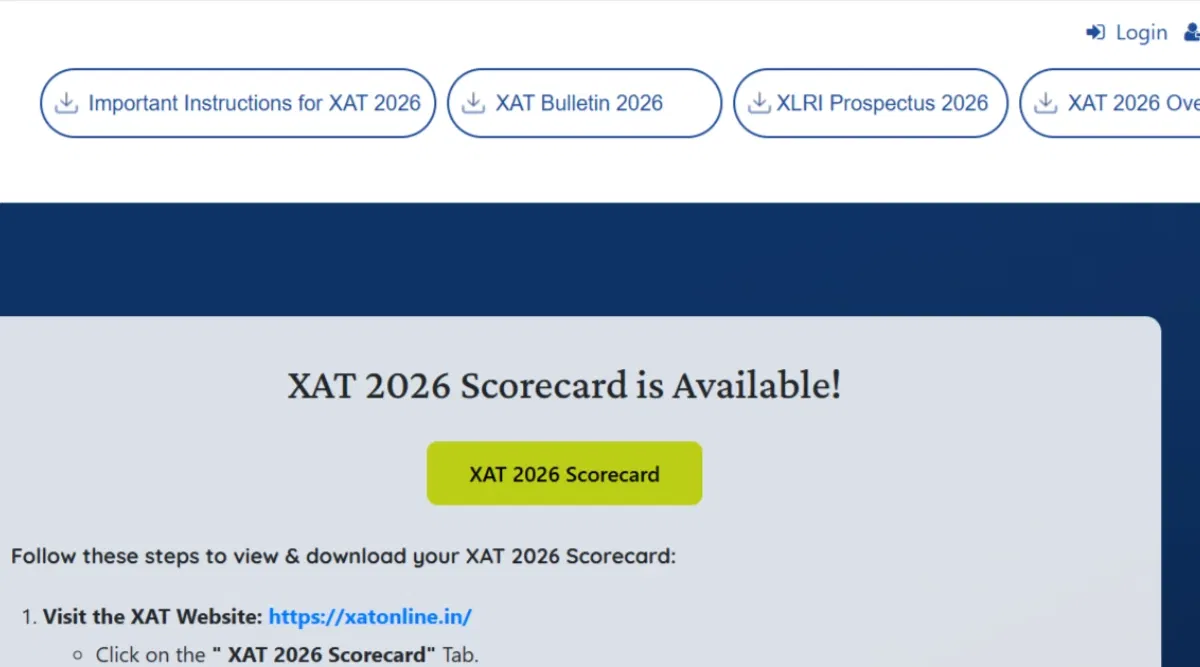
The XAT result 2026 will be made available on the XAT official website. Candidates must refer to the XAT login portal to check and download their scorecards. The XAT 2026 credentials are required for any candidate to check their score.
- Step 1: Candidates must visit the official website of XAT.
- Step 2: Select the 'Scorecard' tab.
- Step 3: Enter the registered email ID and password, and type the security text in.
- Step 4: Download the scorecard by clicking on it.
- Step 5: The candidates must download the scorecard in time and save it for future reference.
Check These XAT Articles for Best Updates:
- MBA Colleges Accepting 80-90 Percentile in XAT 2026
- MBA Colleges Acepting 70-80 Percentile in XAT 2026
How to Access XAT Login?
XAT exam login 2026 credentials are required to access the profile of any candidate. The steps to access the account using the XAT registration login information are provided below for the candidates.
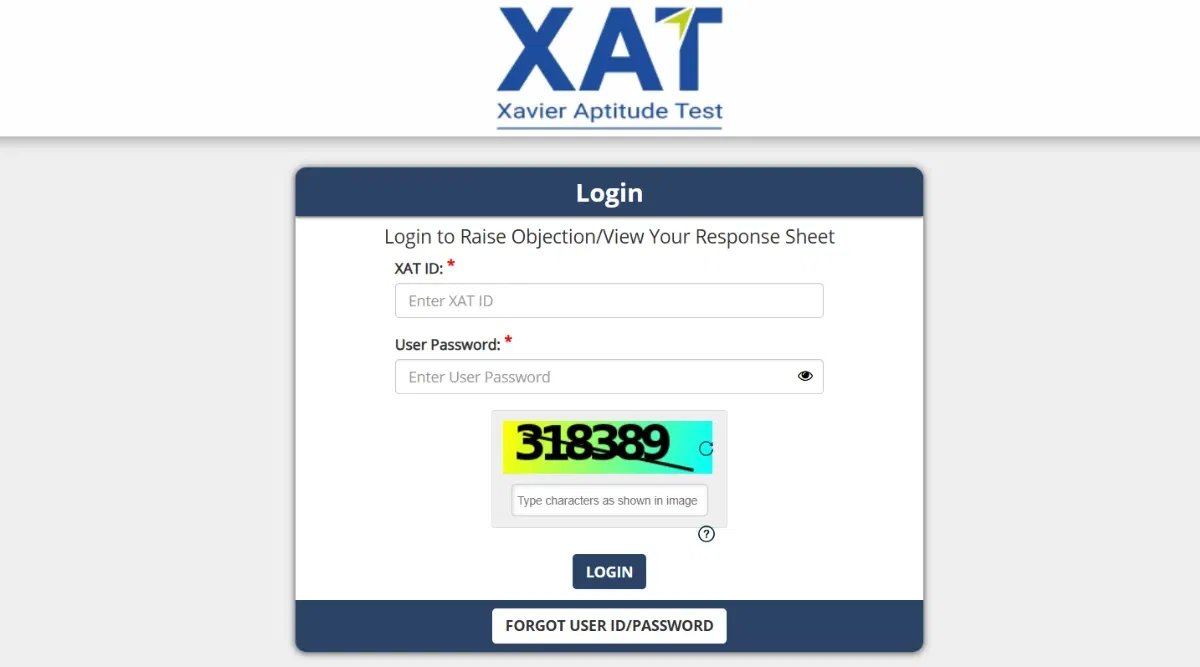
- Step 1: Candidates must visit the official website to access their XAT login.
- Step 2: The option 'login' on the top right corner should be selected.
- Step 3: Candidates should enter their registered email ID and password.
- Step 4: In case the candidates have forgotten the password, they can log in via OTP sent to the email.
- Step 5: After entering the email and OTP/password, candidates should click on the login button.
How to Retrieve Password of XAT Login?
The conducting authorities allow the candidates to retrieve their XAT login credentials in case they misplaced it. Applicants can follow the steps provided below to retrieve their XAT 2026 login credentials.
- Step 1: Candidates must visit the official website to retrieve their password and other XAT login credentials.
- Step 2: On the homepage of the official website, candidates must click on the "Login" option provided in the top right-hand corner.
- Step 3: A pop-up card will appear on the screen with the "Forgot Password" option.
- Step 4: Click on the same and enter the registered email ID to get your login credentials.
- Step 5: Candidates must click on the submit option, and they will receive an email with the link to change their XAT login credentials.
Also Read These XAT Related Articles for Idea on XAT Cutoff:
- How Much Marks is Required to Score 95 Percentile in XAT?
- How Much Marks is Required to Score 85 Percentile in XAT?
XAT Login for Admit Card
XAT Login 2026 admit card will only be available on the XAT official website. Candidates must note that it will not be mailed or sent to them. Candidates can get their XAT admit card 2026 by following the steps below:
- Step 1: Candidates must visit the official website of XAT to download their hall tickets using the XAT admit card login credentials.
- Step 2: Registered candidates should log in with their registered email ID.
- Step 3: Find the "Download XAT 2026 Admit Card" tab on the homepage, and click on it.
- Step 4: Candidates will now be able to view their admit card.
- Step 5: Candidates are advised to download it and store it for further reference.
XAT Login for Application Form
Applicants can access the application form by using their XAT application form login credentials. Candidates can complete their application form by uploading the required files and paying their application fees using their XAT login 2026 details.
- Step 1: Candidates must visit the official website of XAT to fill out the application form
- Step 2: Registered candidates should click on the XAT login button, and enter the registered email id.
- Step 3: After the email verification, candidates will be directed to the application form
- Step 4: Candidates will be asked to fill in a few personal details, parent details, address details, and academic details
- Step 5: Candidates should check the details properly before submitting.