
Table of Contents
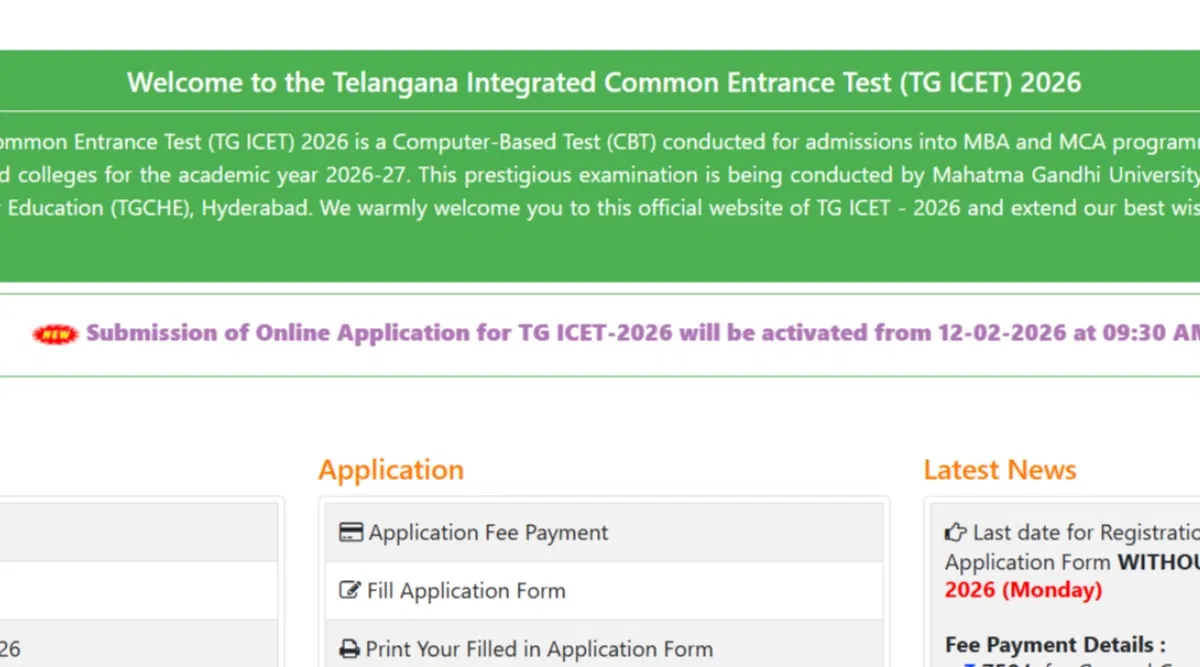
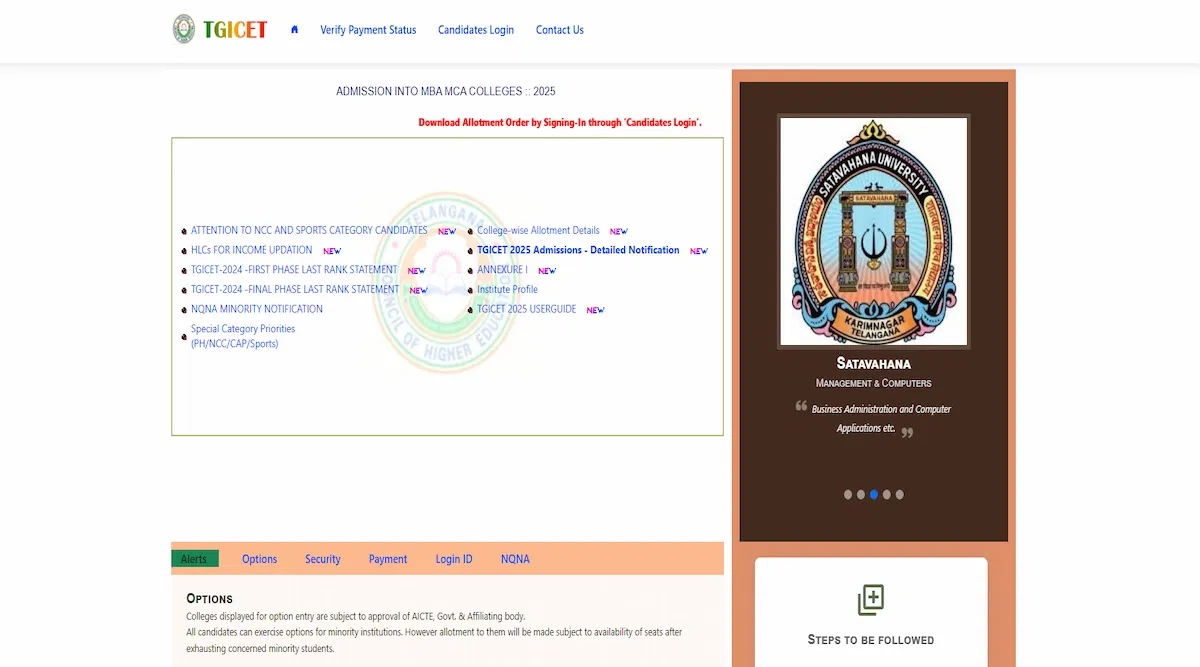
TS ICET login 2025 consists of a candidate login portal on the official website i.e, icet.tsche.ac.in. Candidates willing to apply for TS ICET should register online and create a login id using their registration number, TS ICET hall ticket number, rank and DOB.
After successful registration on the portal candidates must use their registration number, TS ICET hall ticket number, password and DOB to login on the website.
In addition, students must note that the authority has revised the release date of the TS ICET 2025 answer key. The TS ICET answer key 2025 has been released on Jun 8, 2025. Candidates must visit the official website to download the answer key.
Why Create TS ICET Login 2025?
TS ICET Login 2025 helps the candidates in various purposes on the website online. Students can use TS ICET login for downloading the admit card, downloading results, checking cut off, and more.
TS ICET Login can help the candidates to individually get the information related to their candidate IDs. Further, it will help them to get more updates on their application and check the status of their candidature.
How to Create TS ICET Login 2025?
Students require to visit the official website to create TS ICET candidate portal. Candidates can follow the below steps to create the TS ICET Login 2025.
- Step 1: Candidates must visit the official website i.e, icet.tsche.ac.in.
- Step 2: Click on the 'Register' button.
- Step 3: Candidates are supposed to fill in the information required.
- Step 4: Candidates should confirm the details given.
- Step 5: Click the 'Submit' button.
- Step 6: The login is created.
- Step 7: Candidates are advised to note down the login credentials for further use.
How to Retrieve TS ICET Login 2025 Credentials?
In case, any student faces difficulty logging int the official website on the login portal then they can retrieve their credentials too. Candidates can follow the below steps to retrieve the login credentilas.
- Step 1: Candidates must visit the official website i.e, icet.tsche.ac.in.
- Step 2: Click on the 'Login' button.
- Step 3: Click on the 'Forgot Password' Link
- Step 4: Candidates should fill in the information asked for.
- Step 5: The link to reset the password will be sent to the mail id used at the time of registration.
- Step 6: Candidates can open the link and reset a new password.
- Step 7: Candidates should note down the login id and password for further reference.
How to Fill Application Form Using TS ICET Login 2025
TS ICET Application Form 2025 can be filled out online on the official website. The TS ICET Login 2025 can be used to fill out the application form for TS ICET. Candidates can follow the following steps to know how to fill out the TS ICET Application Form 2025 through login portal.
- Step 1: Candidates must visit the official website i.e, icet.tsche.ac.in.
- Step 2: Login using the login credentials received at the time of registration.
- Step 3: Click on the 'Apply Online' link.
- Step 4: Fill in the information required.
- Step 5: Upload the necessary documents required.
- Step 6: Confirm the data submitted.
- Step 7: Make the fee payment through the available modes.
- Step 8: Submit the form.
TS ICET Login 2025 for Application Form Correction
Candidates can use TS ICET Login to update the information given or correct the information given in case there are any mistakes. Candidates can follow the below steps to do the form correctly.
- Step 1: Candidates must visit the official website i.e, icet.tsche.ac.in.
- Step 2: Login using the login credentials.
- Step 3: Click on the link 'Form Correction'.
- Step 4: Update the information wherever required.
- Step 5: Click on the 'Submit' link.
Benefits of TS ICET Login 2025
TS ICET login 2025 is used for multiple purposes. Candidates can check the benefits of TS ICET Login 2025 below.
- TS ICET Login 2025 is used for filling out the application form.
- It is used for corrections in the application form.
- It is used for downloading the admit card.
- It is used for downloading the results.
- It is used for checking cut off percentile.
- It is used for downloading the answer key.
FAQs on TS ICET Login
Q: What is TS ICET login 2024?
Q: What are the TS ICET login credentials?
Q: Can I use TS ICET 2024 login portal for filling up the application form?