
Table of Contents
OJEE login 2025 is essential for candidates who are taking the OJEE Exam 2025. Candidates are given a unique registration ID and password when they sign up for the OJEE 2025. The conducting body activates the OJEE 2025 login window for application form submission. The last date to submit the OJEE application form 2025 was March 25, 2025.
The conducting body will conduct the OJEE 2025 exam on May 2,3,4,5,6,10 and 11, 2025, and the OJEE 2025 Result will be declared in the month of June. The result will be released in the form of Rank Cards. Applicants must enter the login credentials required to download their rank cards. The login steps to download the result are provided below for reference.
Candidates' OJEE 2025 login credentials are the most crucial piece of information because they will be needed many times throughout the entire OJEE process, including application to results.
- OJEE Login 2025 for Results
- OJEE Login 2025 for Admit Card
- OJEE Login 2025 for Registration
- OJEE Login 2025 for Answer Key
- Benefits of OJEE Login 2025
How to Create OJEE Login 2025?
Applicants must complete the following steps to set up the OJEE login 2025.
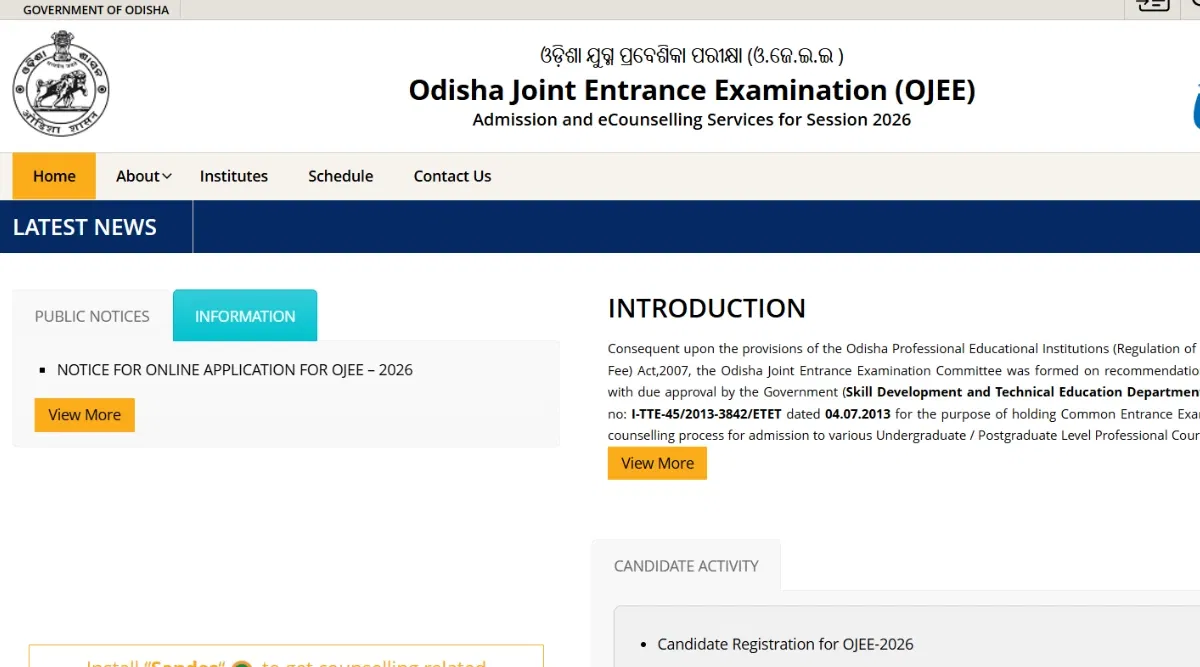
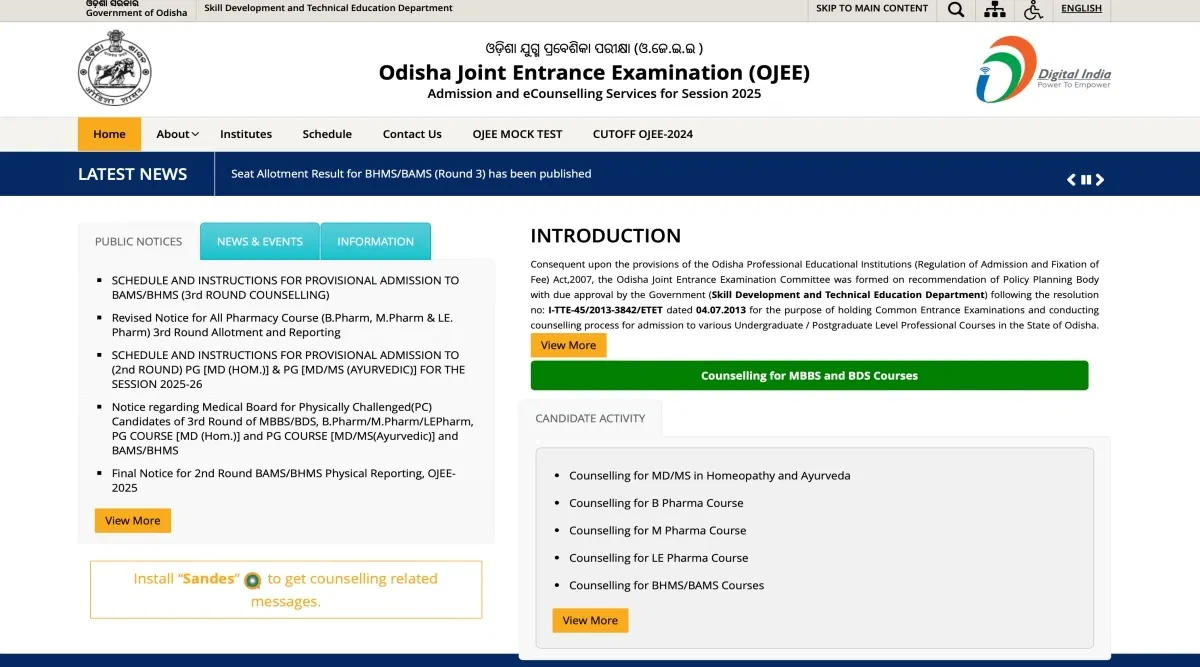
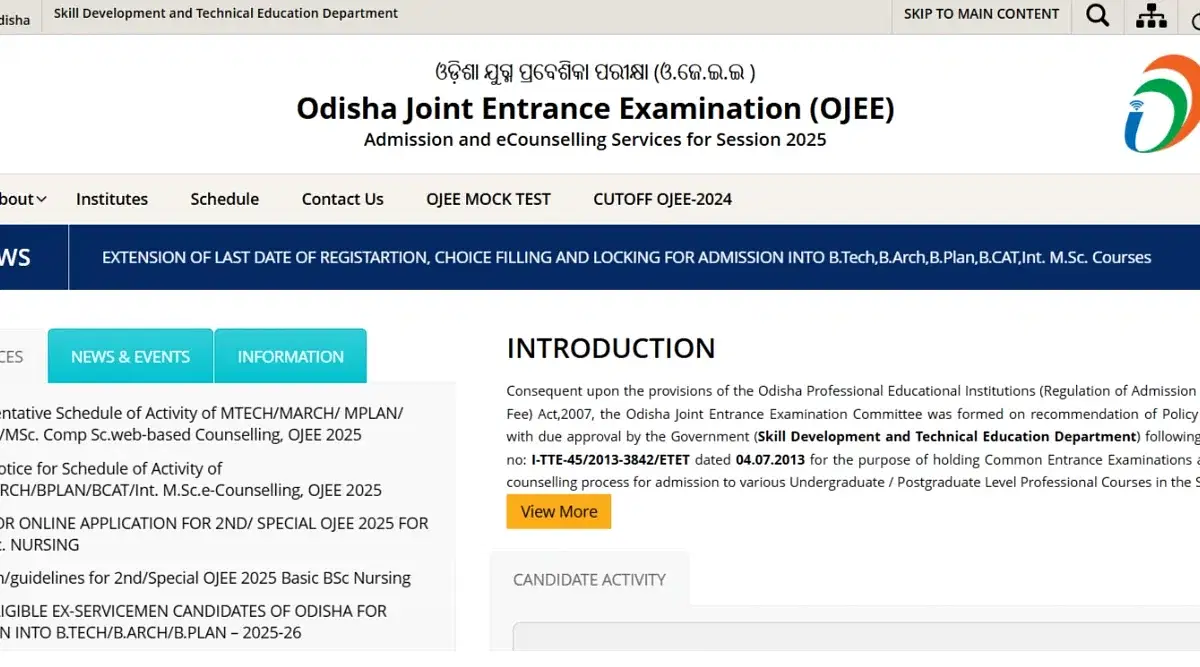
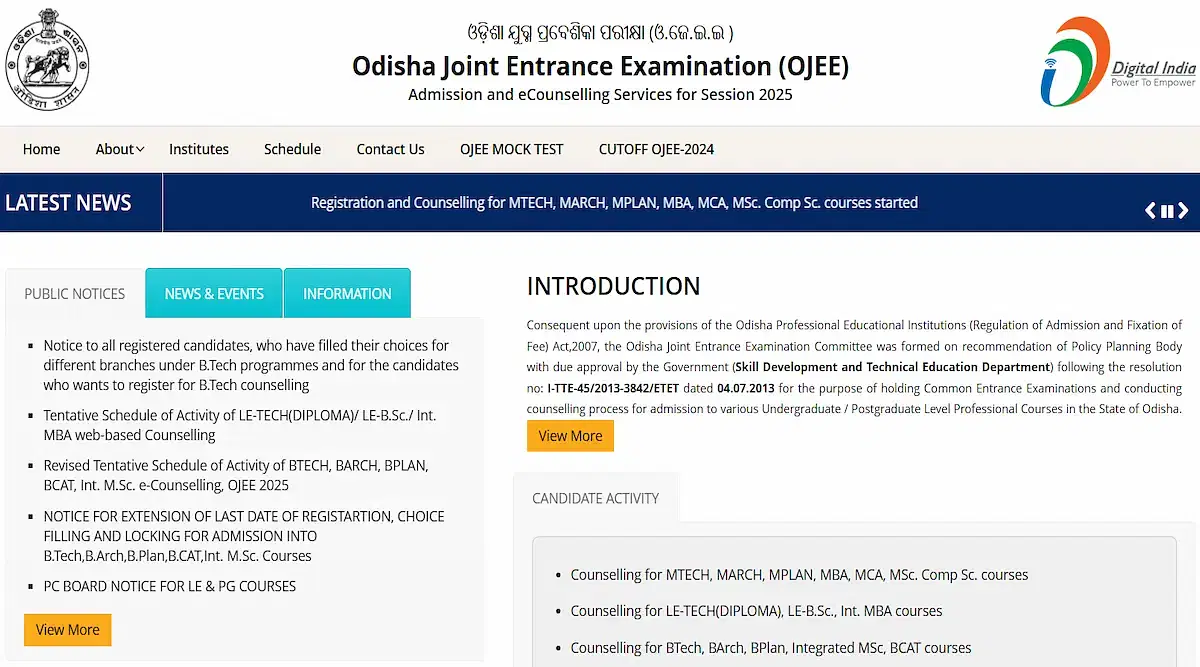
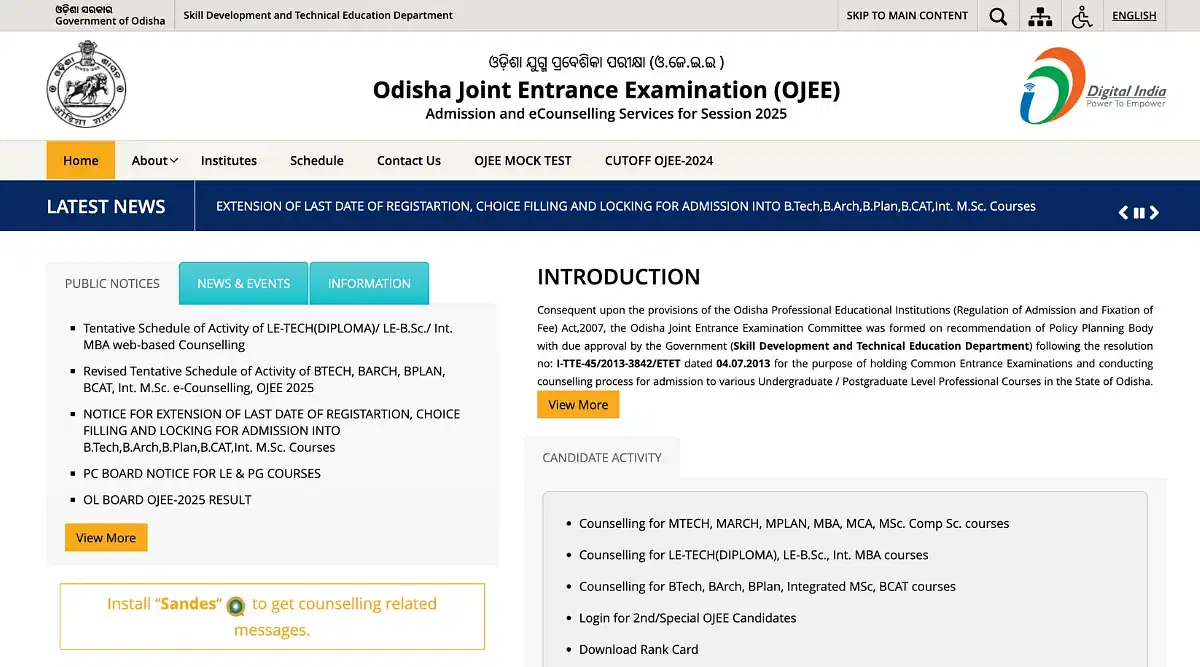
- Step 1: Candidates must visit the official website at ojee.nic.in.
- Step 2: Fill out the form to register and create your OJEE 2025 login.
- Step 3: The screen will show the verification code.
- Step 4: Type the verification code in.
- Step 5: Select the "Register" option.
- Step 6: The applicants will get an OTP on their verified email address and contact number.
- Step 7: The OJEE login data will automatically be sent to applicants' registered email accounts.
- Step 8: Applicants must keep their OJEE login details strictly private.
OJEE Login 2025 for Results
Candidates must log in using their registered OJEE login 2025 information and password in order to download the OJEE result 2025.
- Step 1: Candidates must check the OJEE 2025 result link on the official OJEE login page.
- Step 2: Select "Download Rank Card" from the menu.
- Step 3: Enter the applicant's application number, birth date, and verification code. The candidates must click the "Submit" button to continue after completing their entries.
- Step 4: The OJEE 2025 Rank Card for the applicant will then be shown on the screen.
- Step 5: Carefully read the following information. The applicants should print out a copy of the OJEE 2025 result for their personal records after downloading a copy.
OJEE Login 2025 for Admit Card
In order to view their personal profile and click the option to get their OJEE hall ticket, candidates must check in using their OJEE login 2025, password and user name. The OJEE admit card 2025 will thereafter be downloaded in PDF format.
Candidates can use the steps listed below to download their OJEE 2025 hall tickets.
- Step 1: Candidates must visit the official OJEE 2025 website at ojee.nic.in.
- Step 2: On the homepage, select the "Download admit card for OJEE 2025" button.
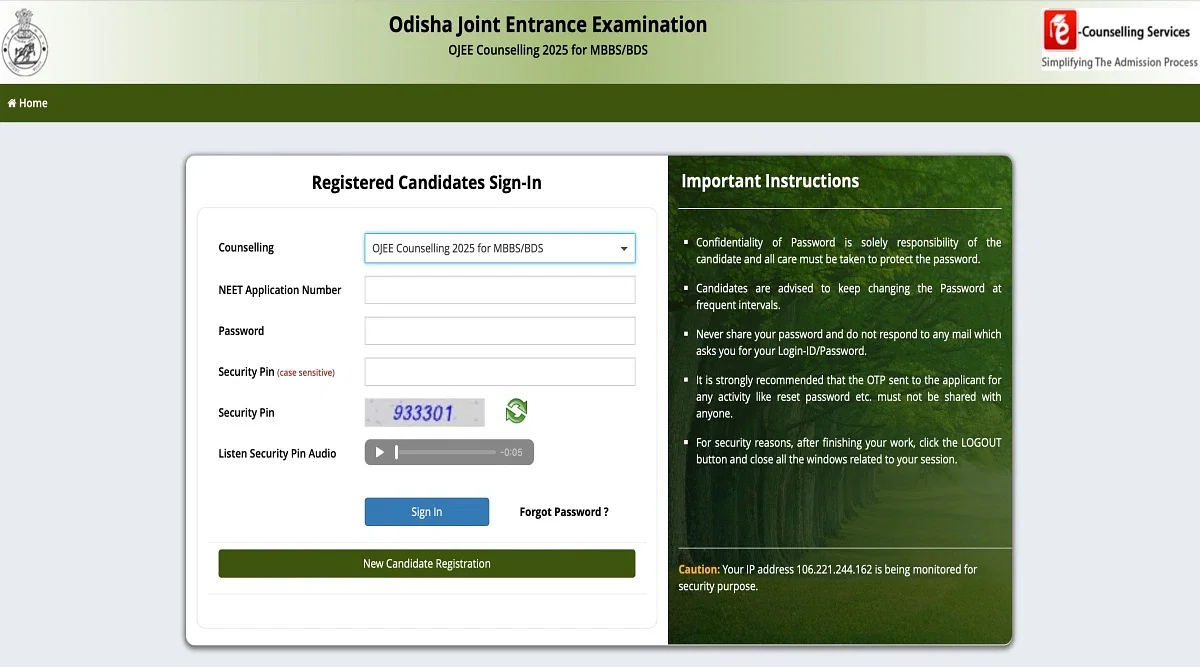
- Step 3: To log in using the candidate login portal, enter the application number, birth date, and security pin.
- Step 4: To log in, click the login button.
- Step 5: The URL will change to the OJEE 2025 admit card. Candidates will be able to download this and print it out for their records.
OJEE Login 2025 for Registration
The OJEE login 2025 for registration was active on the official website from Jan 30 - March 25, 2025. The following are steps to fill out the OJEE application form 2025.
- Step 1: Applicants must visit the official website, ojee.nic.in.
- Step 2: Locate and click the offered "New Registration" button.
- Step 3: Check the instructions before continuing.
- Step 4: Enter the requested candidate information carefully.
- Step 5: After finishing, input the captcha code and press the supplied submit button.
OJEE Login 2025 for Answer Key
OJEE answer key 2025 will be made available after the OJEE test. Candidates may also make objections to any key they feel is objectionable by using the objection window, which will also be opened.
The candidates can access the exam papers and answer keys using their OJEE login 2025 information and password.
- Step 1: Students must visit the OJEE website, ojee.nic.in.
- Step 2: Select the link for the OJEE 2025 Answer key.
- Step 3: The screen will show the answer key.
- Step 4: The applicant will have the option of downloading the solution key for later use.
Benefits of OJEE Login 2025
The OJEE Login 2025 is essential for OJEE registration, the application process, checking results, downloading the answer key, etc, for the OJEE exam.
The Odisha Joint Entrance Examination (OJEE) is an entrance examination conducted by the Government of Odisha for admission to first-year engineering, technology, pharmacy, and MBA/MCA courses in the state of Odisha.
Some of the benefits of using the OJEE login are as follows:
- OJEE login details can be used as a single window for all information related to the OJEE exam.
- OJEE login credentials are convenient and user-friendly data for candidates to apply for the OJEE exam.
- OJEE login credentials allow candidates to track their application status and download their admit cards.
- All important dates and instructions related to the OJEE exam will be made available on the official website.
- The OJEE login credentials allow students to access all the services and facilities related to OJEE, which makes preparation for the entrance exam an easy and convenient process.
FAQs on OJEE Login
Q: How to create OJEE Login 2025?
To create the OJEE Login, Candidates must visit the official website at ojee.nic.in. Fill out the form to register and create your OJEE 2025 login. The screen will show the verification code. Type the verification code in. Select the "Register" option. The applicants will get an OTP on their verified email address and contact number. The OJEE login data will automatically be sent to applicants' registered email accounts. Applicants must keep their OJEE login details strictly private.
Q: What is the login step for OJEE result 2025?
To Login for OJEE Registration 2025, Candidates must check the OJEE 2025 result link on the official OJEE login page. Select "Download Rank Card" from the menu. Enter the applicant's application number, birth date, and verification code. The candidates must click the "Submit" button to continue after completing their entries. The OJEE 2025 Rank Card for the applicant will then be shown on the screen. Carefully read the following information. The applicants should print out a copy of the OJEE 2025 result for their personal records after downloading a copy.
Q: What are the benefits of OJEE 2025 login?
Some of the benefits of using the OJEE login are as follows:
OJEE login details can be used as a single window for all information related to the OJEE exam.
OJEE login credentials are convenient and user-friendly data for candidates to apply for the OJEE exam.
OJEE login credentials allow candidates to track their application status and download their admit cards.
All important dates and instructions related to the OJEE exam will be made available on the official website.
The OJEE login credentials allow students to access all the services and facilities related to OJEE, which makes preparation for the entrance exam an easy and convenient process.
Q: how OJEE Login 2025 can help to download Admit Card?
Candidates can use the steps listed below to download their OJEE 2025 hall tickets.Candidates must visit the official OJEE 2025 website at ojee.nic.in.On the homepage, select the "Download admit card for OJEE 2025" button.To log in using the candidate login portal, enter the application number, birth date, and security pin.To log in, click the login button.The URL will change to the OJEE 2025 admit card. Candidates will be able to download this and print it out for their records.