
Table of Contents
AILET Login 2026 information lets the candidates complete all AILET admissions processes online. Moreover, AILET Login 2026 simplifies several exam-related processes, such as the application process, uploading required documents, paying the application fee, accessing the answer key, and downloading the results and AILET 2026 admit card.
The National Law University of Delhi launched the AILET 2026 application form on Aug 7, 2025, via the official website, nationallawuniversitydelhi.in. The candidates must create a login ID for AILET 2026. Candidates should provide all necessary information when creating an AILET 2026 ID.
An email with login credentials for the NLU portal will be sent to candidates after they create an AILET login ID. The login information for AILET must be kept private and secure until the admissions process is complete. AILET Exam Dates 2026 is Dec 14, 2025.
Why Create AILET Login 2026?
The following are the reasons why a candidate must create an AILET login 2026.
- Step 1: Students can apply for the AILET exam and fill out the application form.
- Step 2: Students can make changes in the application form at the time of AILET form correction.
- Step 3: Students can download the AILET admit card, answer key, result, etc., using their AILET login 2026 ID.
- Step 4: Students can raise objections, if any, in the AILET exam 2026.
How to Create AILET Login 2026?
The steps to create an AILET login 2026 ID are straightforward to follow for students. The use and significance of the AILET login 2026 are crucial for the test. To create an AILET login 2026, candidates must take the following steps:
- Step 1: Candidates must visit the official website of NLU Delhi to create an AILET login 2026.
- Step 2: Click on the "Entrance Test AILET" option under Admissions on the NLU DELHI home page.
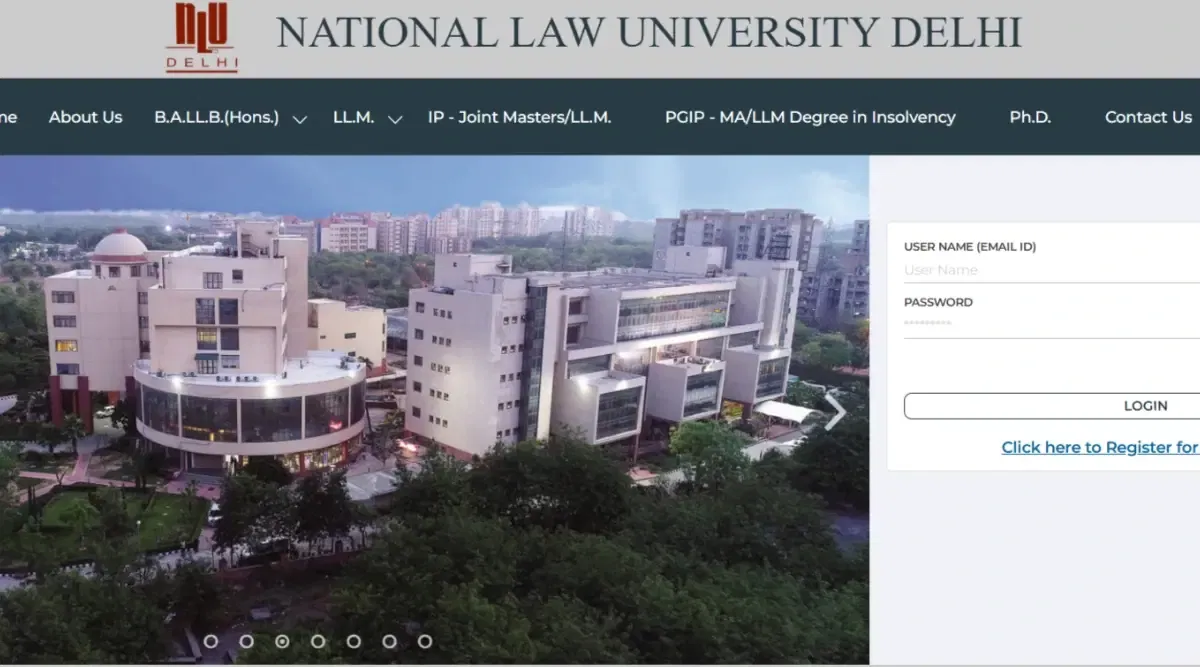
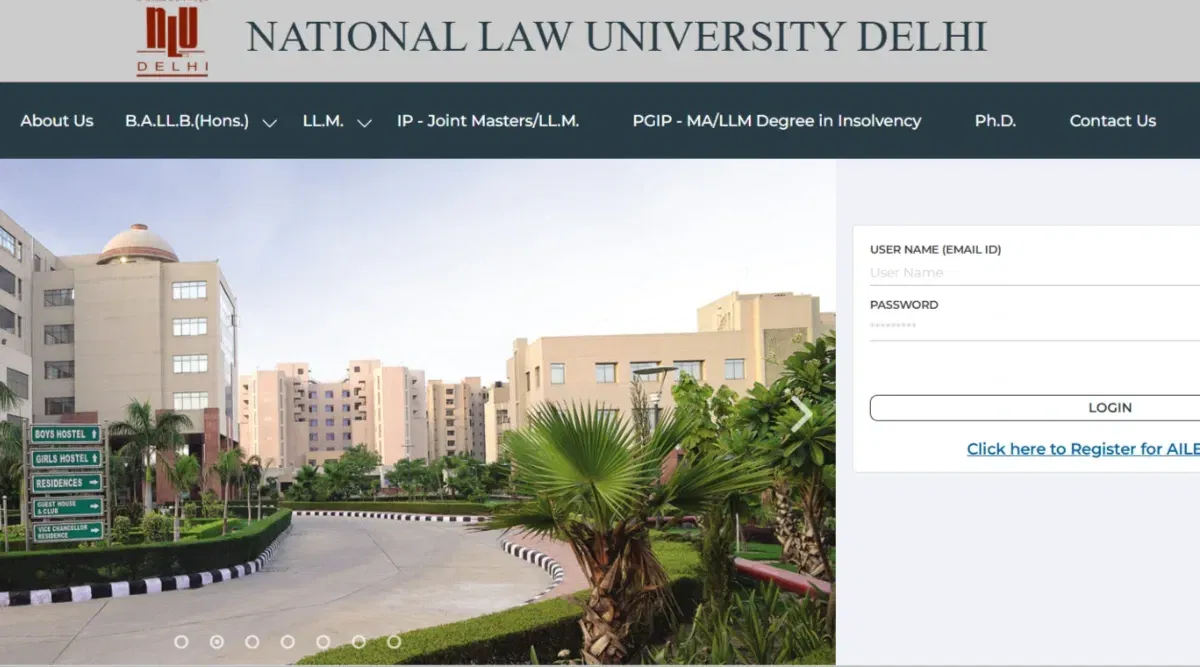
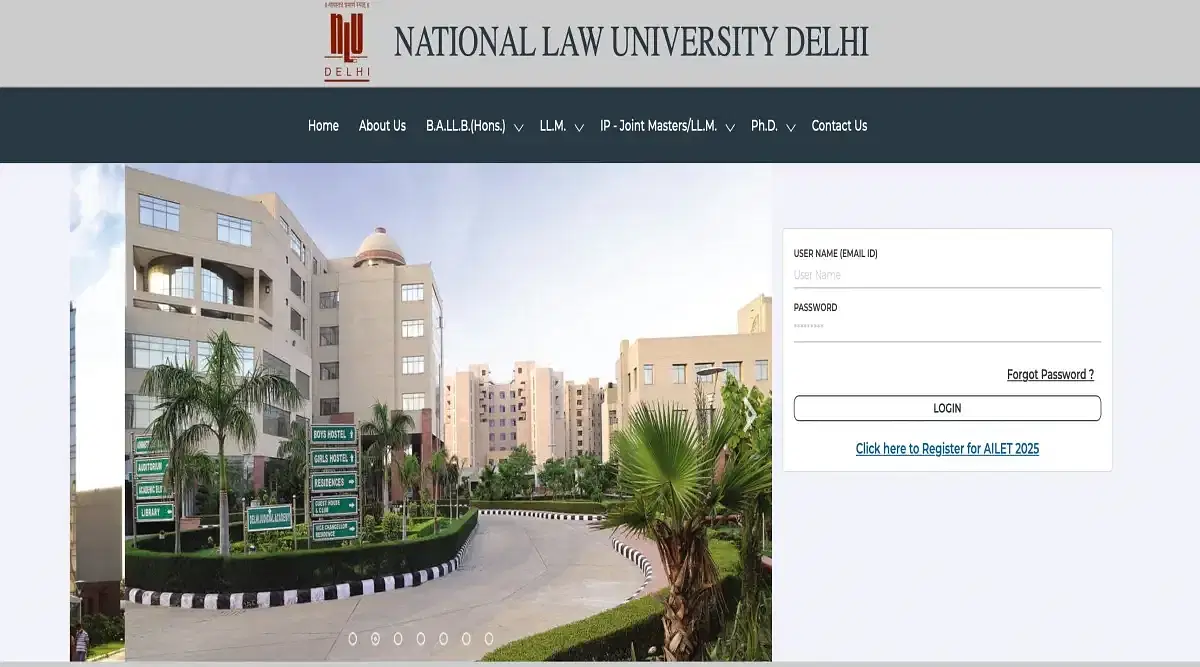
- Step 3: This will take you to the landing page portal to create an AILET login 2026 ID.
- Step 5: Click on the "Click here to apply" option on the AILET landing page. Students will land on the AILET login 2026 portal.
- Step 7: On the AILET login 2026 landing pages, click "Register" to create an AILET login 2026 ID.
- Step 6: Students must fill out a valid email ID and number to register for the AILET exam 2026. Then click on the "Register" option provided below to proceed with your AILET registration process.
- Step 7: Candidates must change their password after Step 6, as it is mandatory to change it for the first time. After selecting your new password, click on the "Confirm Password" option to register yourself with the AILET.
- Step 8: Candidates must protect their AILET login 2026 information to access the AILET login 2026.
How to Access AILET Login 2026?
AILET login 2026 credentials are required to access the AILET login interface. Candidates can follow these steps to get to their AILET login 2026.
- Step 1: Students must visit the official website to get access to their AILET Login 2026.
- Step 2: Students can also search "AILET 2026 National Law University, Delhi" to get access to the AILET login portal.
- Step 3: Candidates should enter their registered email ID, and the password issued to applicants when they create their AILET login ID must be entered on the official website.
- Step 5: The verification code will be displayed on the screen for the candidate to get into their AILET login 2026.
- Step 6: The candidate should enter the verification code to get to their AILET login 2026 account.
- Step 7: To reach the AILET login home page, click the "Submit" button.
AILET Login 2026 for Application Form
Applicants can access the AILET application form 2026 by logging into their AILET login 2026 page. Candidates will be asked to enter their email address and password to use the AILET login 2026. Candidates can complete their application form by uploading the required files and paying their application fees using their AILET login 2026 details.
- Step 1: Students must log into their AILET login 2026 ID by following the steps mentioned above.
- Step 2: The students will find them on the home page of the AILET login 2026. Under the AILET login page option, click and select the program for which the student wants to apply for AILET 2026. Select the "B.A.LLB (Hons)" option for your AILET application form 2026. Click on the "apply" option to proceed further with the AILET form-filling process.
- Step 3: Fill in the information asked, like name, DOB, address, etc., to fill out the AILET application form 2026.
- Step 4: Candidates must upload their mark sheets for Class X or any other higher degree applicable for filling out the AILET application form 2026.
- Step 5: The last step would be to upload the signature and photo along with a few other documents for applying to the AILET 2026 exam.
- Step 6: Choose the form of payment for the application fee which is most suitable to apply for the AILET 2026.
- Step 7: Generate the OTP and click "Validate OTP" to complete your AILET application form 2026 process.
- Step 8: Click on submit. The website will direct you to the payment gateway, where you must pay the application fee for your CPT exam 2026.
AILET Login 2026 for Admit Card
Candidates are required to enter their application number and password to have access to the AILET portal to download their AILET admit card 2026 for the online test. Candidates can download their admit card after registering for the AILET 2026 course.
The steps to download the AILET admit card 2026 are as follows.
- Step 1: Candidates should visit the AILET NLU Delhi official website to download their AILET admit card 2026.
- Step 2: Students should log in with their AILET login 2026 ID and password.
- Step 3: Select the "Admit Card" option from the left-hand side menu of your AILET login 2026 landing page.
- Step 4: Click the option for the "Download Admit Card" link provided in the drop-down menu of your AILET login 2026 page.
- Step 5: The screen will display the AILET Admit Card 2026.
- Step 5: Before downloading, double-check and confirm all the information on your AILET Admit Card 2026.
- Step 6: Download the AILET admit card 2026
AILET Login 2026 for Result
The exam authority will declare the AILET result 2026 on the official website. Candidates can use the AILET login 2026 portal to view and download the AILET result 2026. The screen will display the AILET application number ID and verification code. Candidates can check the AILET results by logging in with their details. The process candidates must follow to view and download the AILET exam 2026 results is listed below.
- Step 1: Students must go to the official AILET NLU website to access their AILET result 2026.
- Step 2: Students should log in with their AILET login 2026 User ID and password to view their AILET result 2026.
- Step 3: Select the "Result" option from the left-hand side menu of the AILET login page.
- Step 4: Click the option for the "Download Result" link on your AILET login landing page.
- Step 5: The screen will display the AILET Result 2026.
- Step 6: Download the AILET Result 2026 and get it printed.
Benefits of AILET Login 2026
The advantages of AILET Login 2026 are provided below for the candidates' information.
- Filling and modifying the AILET application form 2026.
- Payment of AILET Application Fee 2026.
- Obtaining the AILET 2026 admit card
- Viewing of AILET Answer Key 2026.
- Verifying the AILET 2026 results.