
Table of Contents
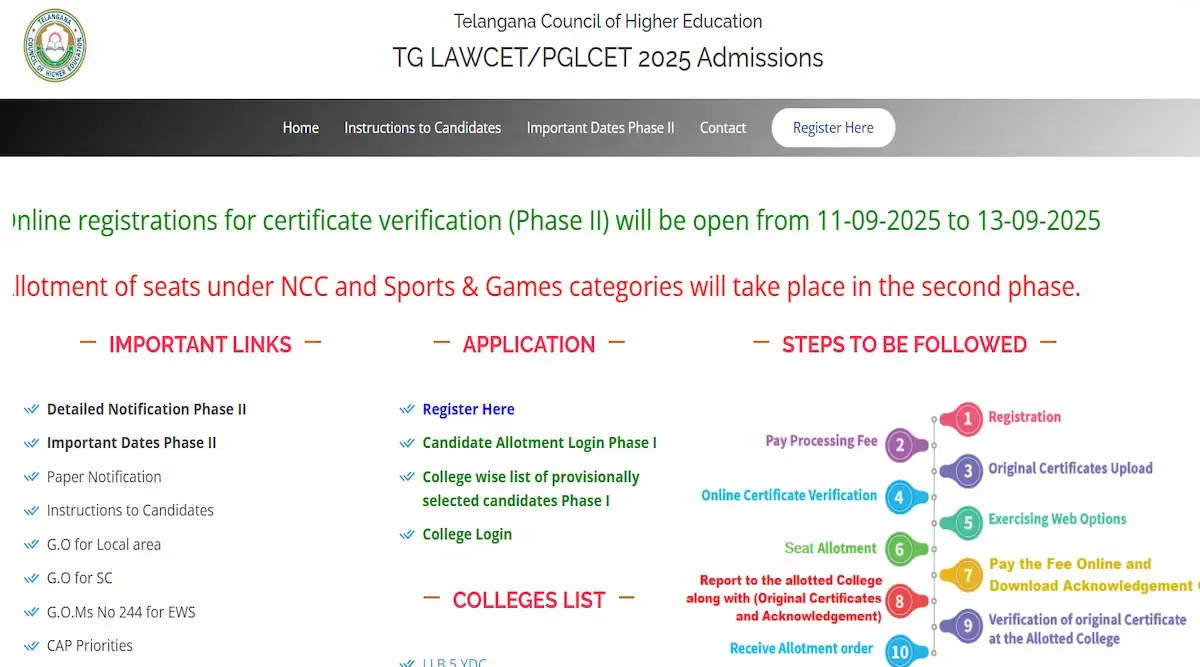
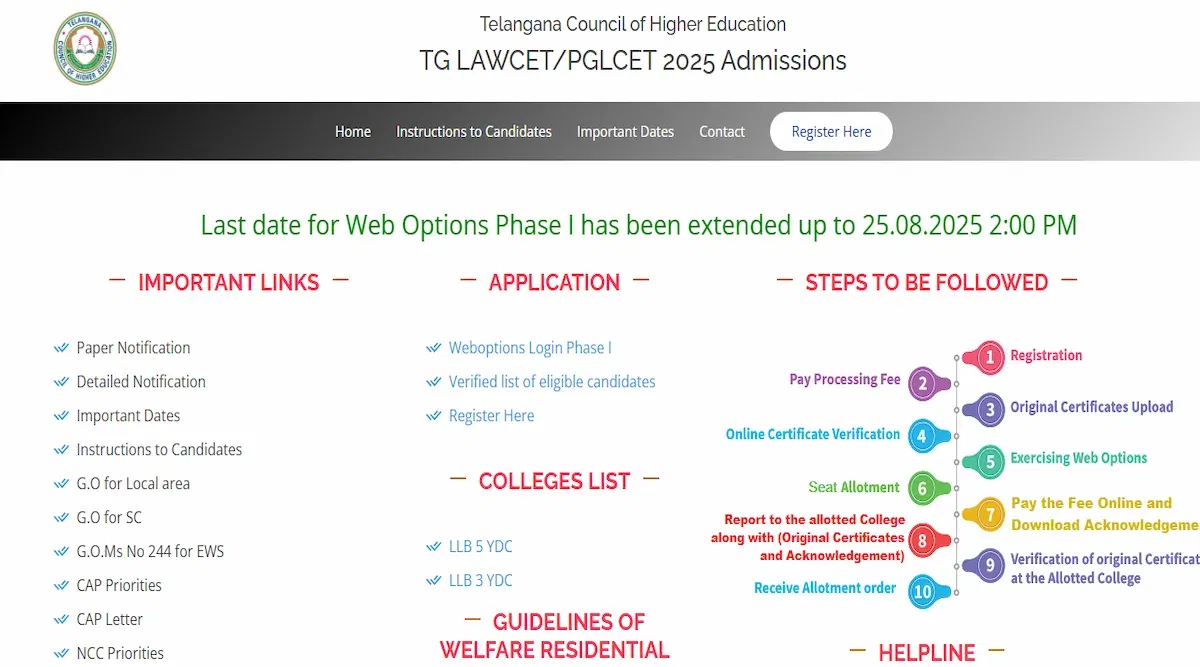
TS LAWCET login 2025 will help candidates in various ways. Several of the steps include signing up for the TS LAWCET exam, registering, filling out the application form, paying the application fee, uploading the required files, and downloading the admission card, answer key, and results. TSCHE will announce the results for TS LAWCET 2025 and TS PGLCET 2025 in the second week of Jun 2025.
However, candidates must note that the TS LAWCET application form 2025 is likely to be released in the first week of Mar 2025. Moreover, the form correction window is tentatively to be available in the fourth week of May 2025.
The applicants must set up a TS LAWCET login ID for 2025. Candidates must complete all required fields on their TS LAWCET login 2025 ID. They will get an email with their login information for the TS LAWCET portal after creating their TS LAWCET login ID. The TS LAWCET login information must be kept private and secure until the admissions process is complete.
TS LAWCET Login 2025 for Result
TS LAWCET result 2025 will be made public online by the TS LAWCET test authority. Candidates can access and acquire their TS LAWCET result 2025 online by using the TS LAWCET login 2025 portal. The application number, birth date, and verification code will be visible on the screen. These fields must be filled out by candidates in order to validate the findings.
The actions candidates can take to access and download the 2025 results are listed below.
- Step 1: Candidates must go to the official website.
- Step 2: Look for the result link in the latest updates section once it is released.
- Step 3: Enter your TS EDCET Login 2025 credentials.
- Step 4: Select "Submit."
- Step 5: The TS EDCET results 2025 will be shown on the screen.
- Step 6: Download the document and print it.
TS LAWCET Login 2025 for Application Form
Applicants must access the TS LAWCET application form 2025 by logging into the TS LAWCET login 2025 portal. When accessing the TS LAWCET Login 2025, they must provide their email address and password. They can finish the application form, upload the necessary files, and pay the application fees using their TS LAWCET login information for 2025.
- Step 1: Candidates must go to the official website.
- Step 2: After arriving at the official website, candidates must go to the 'Application' section, and click on 'Application Fee Payment'.
- Step 3: Fill in the information asked and make payment through the gateway provided and note your payment reference ID.
- Step 4: Now click on the 'Fill Application Form' and fill in your credentials.
- Step 5: Click on 'Proceed to Fill Application' and fill in all the information asked.
- Step 6: Upload your signature and photo.
- Step 7: Click 'Submit' and then 'Confirm'.
- Step 8: Print your application form for future reference
Why Create TS LAWCET Login 2025?
There are numerous uses for the TS LAWCET Login 2025. Candidates will not be able to have access to the admission process if they do not have a TS LAWCET Login 2025. A few of the reasons why candidates must create their TS LAWCET Login 2025 are as follows:
- To view their TS LAWCET scorecard, answer key, and other related documents.
- To download their TS LAWCET admit card.
- To make changes to the TS LAWCET admit card if required.
- To access the application form.
TS LAWCET Login 2025 for Admit Card
Candidates must visit the TS LAWCET portal and log in using their application number and password in order to download their TS LAWCET admit card 2025 for the online test. After reserving their exam seats, candidates can download their admit cards right away. Below are the instructions for downloading the TS LAWCET 2025 admit card.
- Step 1: Candidates must go to the official portal.
- Step 2: Go to the 'Application' section and look for 'Download Hall Ticket'.
- Step 3: Enter your registration number and date of birth.
- Step 4: Click on 'Download Hallticket'.
- Step 4: The screen will display the TS LAWCET Admit Card 2025.
- Step 5: Before downloading, double-check and confirm all the information.
- Step 6: Print out the admit card after downloading it.
Benefits of TS LAWCET Login 2025
TS LAWCET Login 2025 has numerous benefits to it. Examples of how it will be helpful to the candidates are as follows:
- Accessing the TS LAWCET 2025 results.
- Downloading TS LAWCET 2025 admit card.
- Making corrections to the application form, if any.
- Raising objections for the answer key.