
Table of Contents
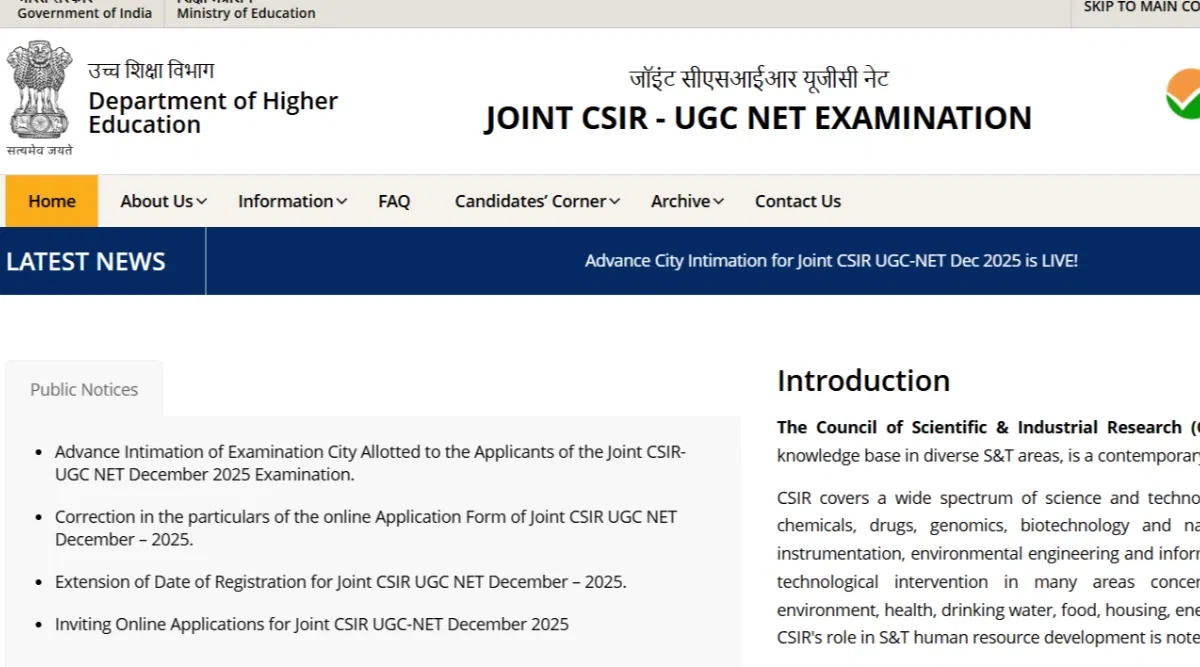
CSIR NET login 2025 can be created on the official National Testing Agency portal for CISR at csirnet.nta.nic.in. Candidates can use their CSIR NET candidate login to apply for the exam, download their admit card or view their results. In addition, candidates can also use their CSIR UGC NET login to correct the application form.
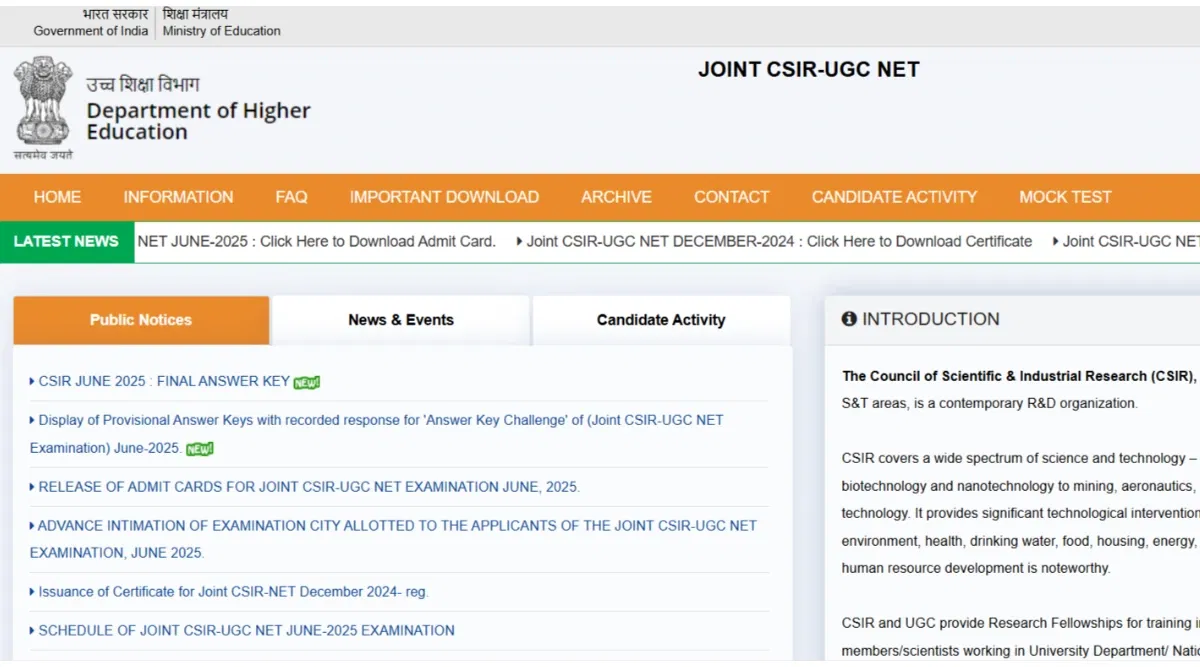
In addition, the CSIR NET 2025 admit card is expected to be released by July 2025. The admit card will be issued on the official website in online mode. Applicants will have to enter the required login credentials to access the hall ticket. Further, the exam for June session will be conducted on July 28, 2025.
Furthermore, the application form for the CSIR NET 2025 exam for June session was released on the official website on Jun 3, 2025. The last date to complete the CSIR NET registration 2025 process was Jun 26, 2025. The form was made available in online mode.
CSIR NET Login 2025 for Admit Card
Candidates can download their CSIR NET admit card 2025 on the official website. Applicants can follow the steps below to download their hall ticket using their CSIR NET login.
- Step 1: Candidates must log into their CSIR NET account to view and download their admit card. Students must enter their CSIR NET login credentials to access the admit card on the login page.
- Step 2: Students should select and click the option for the "Download Admit Card" link on their CSIR NET 2025 login page.
- Step 3: The screen will display the CSIR NET Admit Card.
- Step 4: Students should check that all the information printed on their CSIR admit card is correct before downloading it.
- Step 5: Students must download the CSIR NET admit card and get it printed.
CSIR NET Login 2025 for Application Form
Candidates can follow the steps provided below to fill out the CSIR NET application form using their profile.
- Step 1: Students must log in to their CSIR NET account by following the steps provided above. On the login page, students must enter their CSIR NET 2025 login credentials to get to the application form.
- Step 2: On their login home page, candidates will find that the form page is linked to one of the options on the CSIR NET login landing page.
- Step 3: Students must fill out the necessary information to complete their CSIR NET application form 2025.
- Step 4: The next step is to upload your signature and photo for the application form for the CSIR NET 2025 exam.
- Step 5: Candidates must choose a suitable form of payment for the application fee in their CSIR NET exam Login 2025 portal as the final step to apply for the exam. The students should check the price before applying for the CSIR NET exam.
Why Create CSIR NET Login 2025?
Candidates should create a CSIR NET login 2025 for the following reasons.
- Creating a CSIR NET candidate login is the only way a student can apply for the exam. The CSIR NET application filling process becomes easy and hassle-free.
- All the exam-related processes, like downloading the admit card or viewing the CSIR NET answer key, can be done only after creating a login ID.
- Raising any objection can only be done by creating a CSIR UGC NET login profile.
Must Check: What is a Good Score in CSIR NET 2025?
CSIR NET 2025 Login: Registration Guide
CSIR NET 2025 registration process for June session commenced on Jun 3, 2025. The last date to fill out the CSIR NET application form 2025 was Jun 26, 2025. However, candidates can still follow the steps below to create a CSIR NET login profile.
The first steps to apply for the CSIR NET exam is to register at the NTA portal. After registration, candidates can fill out the application form. In addition, they can also access other featires of creating a CSIR NET candidate login profile.
The steps to create a CSIR NET login 2025 are provided below for the candidates.
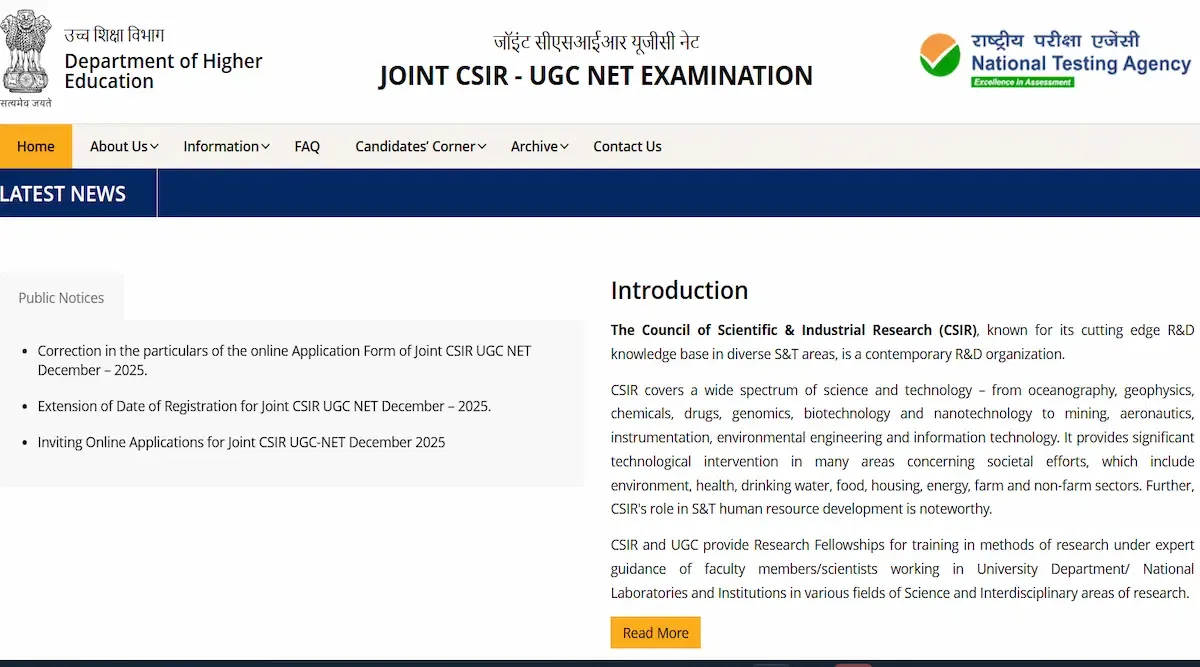
- Step 1: Candidates must visit the official website of NTA CSIR portal at csirnet.nta.nic.in.
- Step 2: On the homepage of the official website, candidates must click on the registration link for the CSIR NET 2025 under the "Candidate Activity".
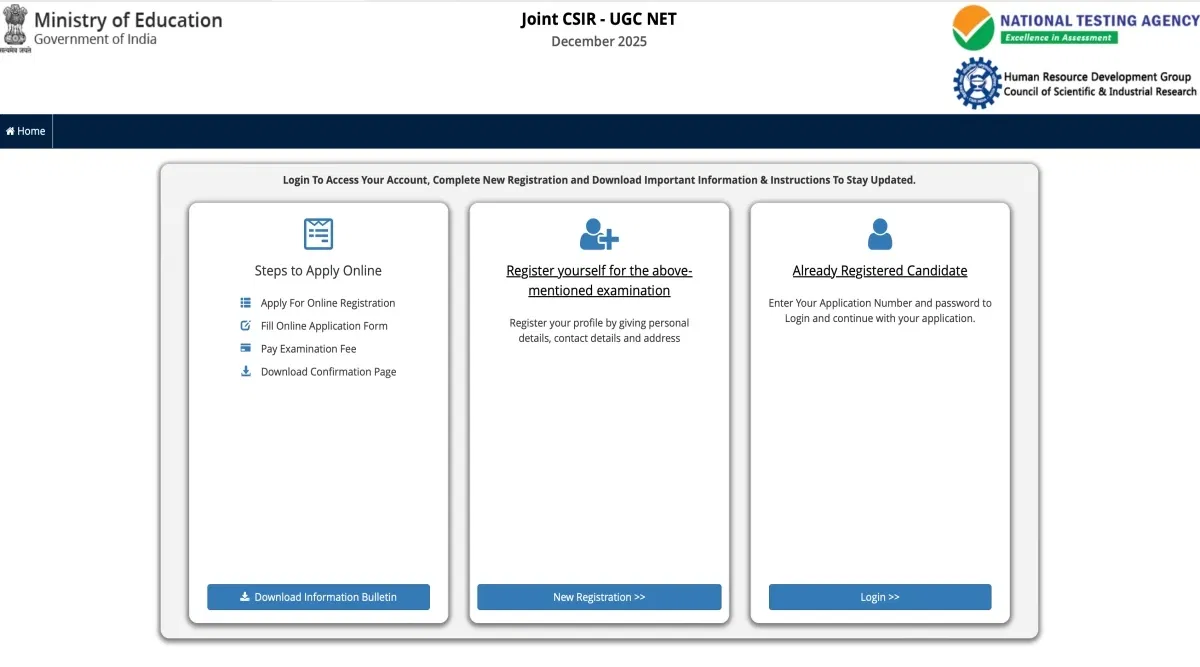
- Step 3: The website will redirect the candidates to a new window. Candidates can then click on "New Registration" to create a CSIR NET login profile.
- Step 4: Candidates will be required to put in their details like name, address, date of birth etc, to create a CSIR NET 2025 login.
- Step 5: The verification code will be displayed on the screen for students to register for the CSIR NET 2025 exam.
- Step 6: Enter the verification code displayed on the screen to create a CSIR NET login 2025 ID.
- Step 7: Select the "Register" option on the CSIR NET page.
- Step 8: Candidates will receive an OTP on their registered email address and mobile number for CSIR NET 2025 login.
- Step 9: Candidates have to fill out and submit the OTP to register for the exam.
- Step 10: The system will, by default, provide the candidates' registered email addresses with the CSIR NET login 2025 information.
CSIR NET Login 2025: Access Guide
Candidates can fill out the CSIR NET application form after completing their registration. The step-wise access guide is provided below.
- Step 1: Candidates must visit the official website at csirnet.nta.nic.in to access their CSIR NET login.
- Step 2: Under the "Candidate Activity" column, click on registration links for the CSIR NET 2025.
- Step 3: On the registration portal, candidates can enter their CSIR NET login credentials to log into their accounts.
- Step 4: Fill in the "captcha" and click on "Log In" to access their CSIR NET login 2025 account.
Recommended: Last Minute Revision Tips for CSIR NET 2025
How to Recover CSIR NET Login Information?
Candidates can recover their password for their CSIR NET login profile by following the steps below.
- Step 1: Candidates must visit the official website of NTA CISR NET to recover the password.
- Step 2: Follow the steps mentioned above to get to the login/registration portal of CSIR NET.
- Step 3: Candidates will find the "Forgot Password" option on the login window. Click on the same to recover the CSIR UGC NET login password.
- Step 4: Candidates will be required to input their registration number and their registered email address. The system will automatically send an reset link to the email address using which candidates can reset their CSIR NET login password.
CSIR NET Login 2025 for Result
CSIR NET results 2025 for June session is expected to be released by September 2025. The candidates can view and download their CSIR NET results 2025 by following the steps provided below.
- Step 1: Students must log in to their CSIR NET account using the login credential to view the results.
- Step 2: On the CSIR NET login home page, students will find the "CSIR NET Result for Dec/July Session" option in one of the drop-down menus. Students should click on the same to get to the link for CSIR NET result 2025.
- Step 3: The students will be presented with a PDF window displaying the CSIR NET result 2025.
- Step 4: The PDF window will have the option to download the CSIR NET result 2025. The students are advised to check all the lists properly and then download the CSIR NET result 2025.
FAQs on CSIR NET Login
Q: How can we create out CSIR NET 2024 login ID?
To create the login ID students must visit the official website and click on the registration link on the homepage. Then, they must click on "new registration" option and fill in all the details required. The verification code will be shared via SMS or mail. Students must verify and click on submit option.
Q: What is the step for CSIR NET application form 2024 login?
To fill out the application form for CSIR NET 2024 candidates must visit the official website of CSIR NET. Then, they must enter their registration number and password. The form will be displayed. Applicants must submit the required details carefully along with photo and signature upload. Then at last they must click on submit option.
Q: How to use the CSIR NET 2024 login to download the admit card?
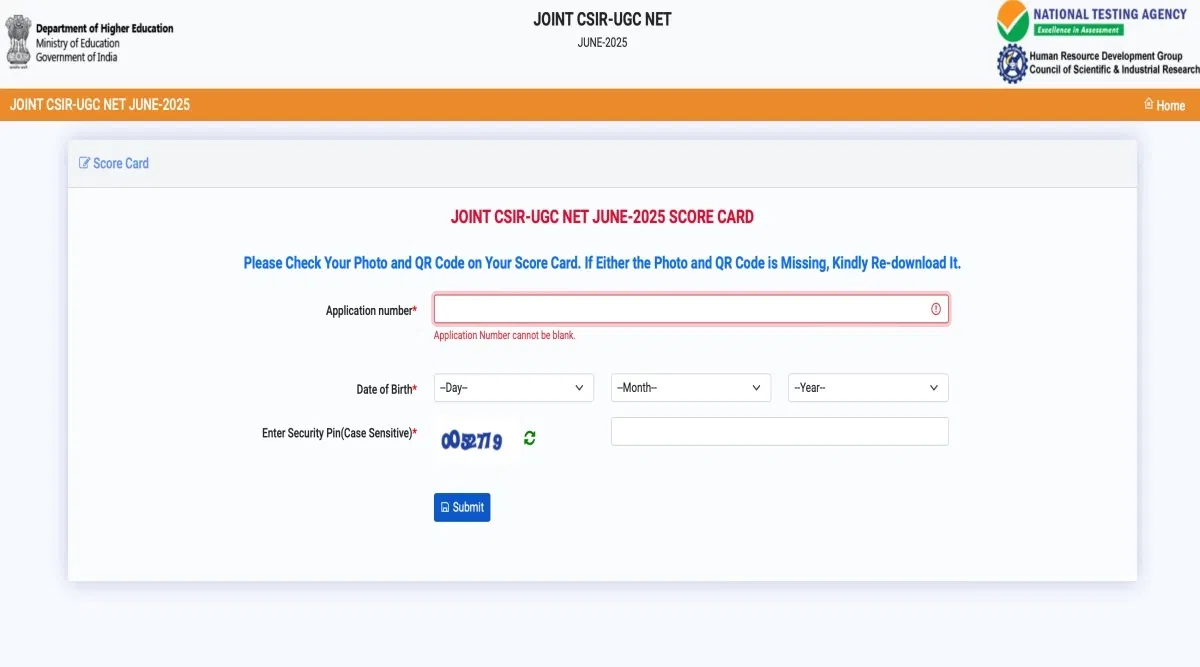
To download the hall ticket for CSIR NET 2024, candidates must visit the official website. Then click on the admit card direct link available on the homepage. Then they must enter the login credentials required, such as, registration number, ID, password, date of birth etc and download their admit card.
Q: What is the step to download CSIR NET result 2024?
Applicants appeared for the examination of CSIR NET 2024 must visit the official website. Then click on the direct link for the result provided by the authority on the official website. Enter the required login credentials such as registration number, date of birth, etc and the result will be displayed. They must download the PDF.
Q: How can we retrieve the login credentials of CSIR NET 2024, if forgot?
To recover the CSIR NET login 2024 details, applicants must visit the official website and go to the login portal. There they must click on "forgot password" option. They will be required to enter some details. Students must provide the details and enter the OTP sent for verification. The new ID and password will be shared with the students through SMS or mail.