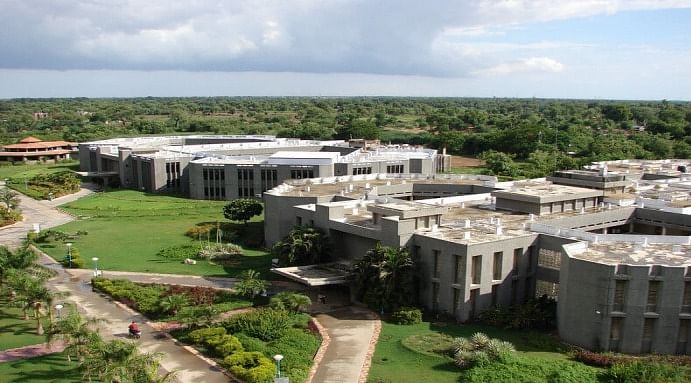
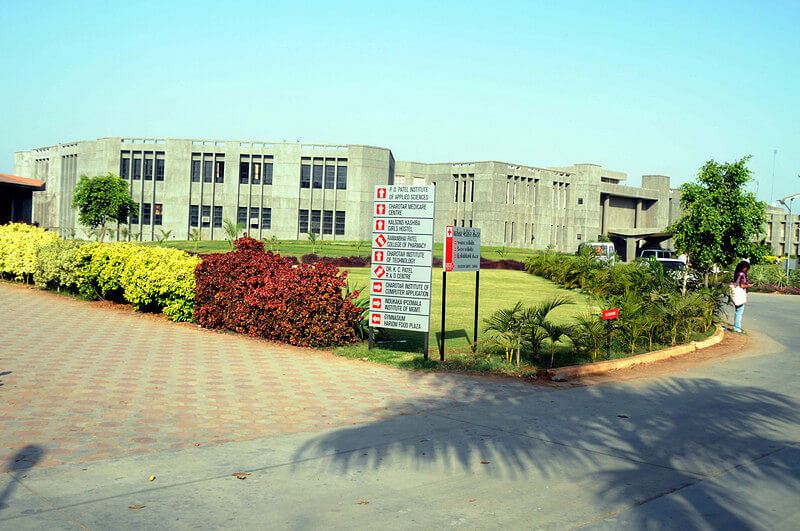
![Institute of Rural Management Anand, [IRMA] Gujarat](https://media.getmyuni.com/azure/college-image/small/institute-of-rural-management-anand-irma-gujarat.jpg)

About the IRMA Result 2025
IRMA results 2025 have been declared for the PGDM and Fellowship programs in Rural Management on the official IRMA result portal at irma.ac.in. Students can check their January and April 2025 IRMA exam results from the IRMANET services portal. Log in using your unique user ID and password to view provisional scorecards for PGDM I, II, and III terms. In addition to internal semester results, the IRMASAT 2025 entrance exam results and merit lists were released on March 28, 2025, confirming IRMA Gujarat admission offers and waitlist statuses for the PGDM (RM) program.
Students need a minimum of 50% in the end term examination to pass the semester/term. The Institute of Rural Management, Anand, Gujarat, conducts re-appear examination and rechecking process for students with unsatisfactory results. The result includes your admission offer/waitlist status for the PGDM (Rural Management) program.
IRMA Result 2025 Important Links
The table below provides the direct link for the IRMA PGDM Scorecard Download 2025 and the IRMASAT Merit List PDF. The student can access the link from the table.
| Paticular | Direct Link |
|---|---|
| IRMANET Login Portal for PGDM Results 2025 | Click Here |
| IRMASAT 2025 Final Result and Merit List | Click Here |
How to Check IRMA Result 2025?
Students can access their IRMA PGDM results from the IRMA Student Services portal IRMANET by entering their login credentials, such as username and password. Candidates can view and download their scorecards and avail other examination and result related student services from the IRMANET portal. The online result published on the IRMA website is provisional. The institute issues the final scorecards to the students through the concerned departments. The process to check IRMA result 2025 online is as follows:
- Visit the IRMA official website at irma.ac.in.
- Go to the IRMANET service portal link at the top left of the homepage.
- The IRMANET login page appears on clicking the portal link.
- Enter the credentials, such as username and password.
- Click on ‘Log In’ and go to the result section.
- Click on the appropriate term to view and download the IRMA result.
Details Mentioned in the IRMA Result 2025
Students can find several personal and mark details mentioned in the IRMA scorecard, such as name, course details, roll number, subject-wise marks, etc. Students should cross-verify the online and offline score cards for errors or mismatches that might have crept into the final marksheet. On identifying the errors, candidates must report to the institute's concerned faculty or exam controller to rectify and issue the corrected result. The following are the key details mentioned in the IRMA Gujarat result 2025:
- Name of the Candidate
- Roll Number
- Course
- Term
- Exam Session
- Subject Codes
- Subject Names
- Marks Obtained in Each Subject
- Internal and External Marks
- Total Marks
- Result
How to Apply for IRMA Revaluation 2025?
IRMA revaluation 2025 helps students who are not happy with their marks. Rechecking of IRMA Anand results is available for the PGDM Rural Management and Fellowship Program. It applies to January 2025 and April 2025 semester exams. Results are shown on the IRMANET portal as provisional scorecards. IRMA revaluation process means rechecking answer sheets. It focuses on mark calculation mistakes and unchecked answers. IRMA revaluation is not a re-appear exam. Re-appear exams are only for failed subjects.
A minimum 50% aggregate is required to pass the IRMA exams result 2025. IRMA revaluation can increase or decrease marks after checking.Students should apply before the IRMA revaluation last date. Normally, the window is 7–10 days after the result is declared. Apply online through the IRMANET portal revaluation link. Follow these steps to initiate rechecking of your IRMA PGDM Result 2025 scorecard:
- Log in to IRMANET Portal: Access https://irma.ac.in/intranet/login/login.php using your username and password.
- Go to Results Section: Select the relevant term (e.g., April 2025) and review your provisional marksheet for discrepancies.
- Locate Revaluation Form: Under "Examination Services" or "Academic Appeals," download the revaluation application form (PDF format).
- Fill and Submit Details: Specify subject codes, roll number, and reasons (e.g., suspected totaling error). Attach scanned marksheet if required.
- Pay Fee Online: Use the integrated payment gateway on IRMANET; retain receipt.
- Track Status: Monitor progress via the portal dashboard. Revised scorecard emailed upon completion.
If online submission isn't available, submit physical forms to the Examination Controller's office at IRMA Anand campus.